
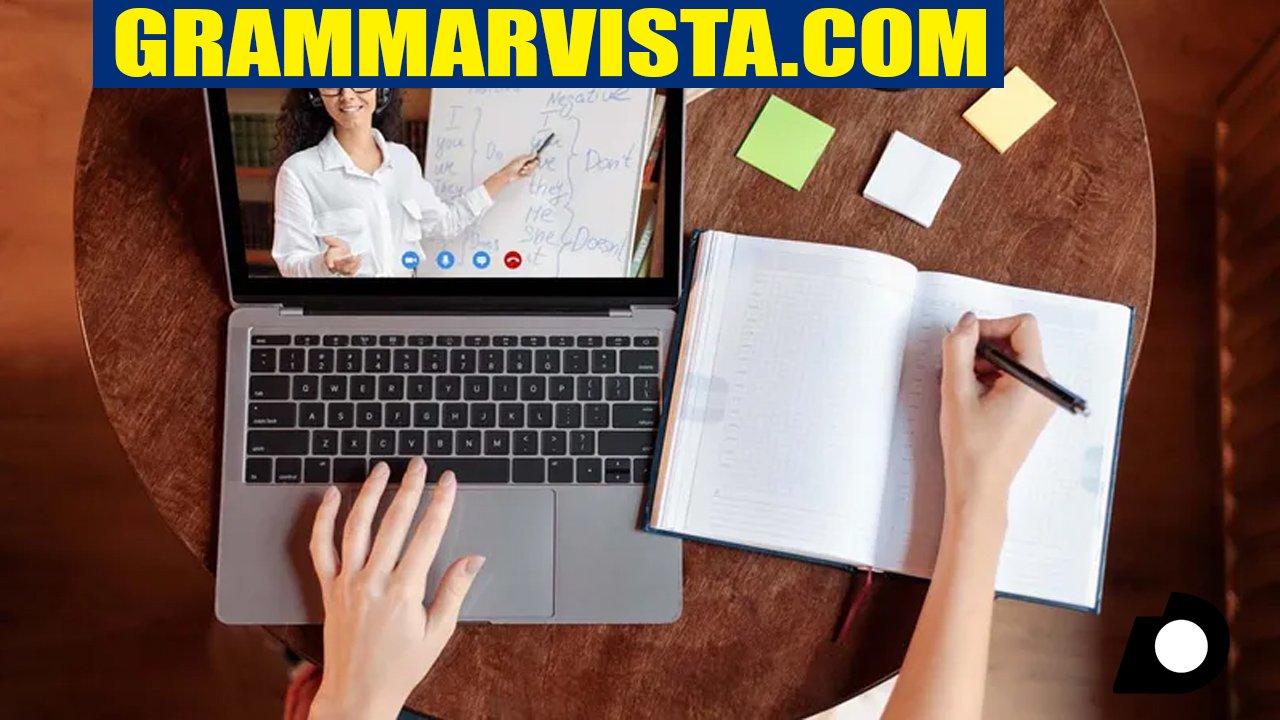
GrammarVista.com is a free online grammar and spelling checker that also teaches you the reason behind every correction it makes. Most grammar tools fix your sentence and move on. GrammarVista.com tries to do something different. It shows you what changed, what other options you had, and why the fix is correct. In this article, we will look closely at what GrammarVista.com offers, how well it works, who should use it, and how it compares to other popular grammar tools like Grammarly and Quillbot.
If you have ever fixed a sentence with a grammar checker and made the same mistake again a week later, this review will help you understand why a tool built around explanations, not just corrections, might be worth your time.
What Is GrammarVista.com?
GrammarVista.com is an English language learning and writing platform. It combines a grammar and spelling checker with lessons, vocabulary help, writing tips, and practice exercises. The site describes its mission in a simple way: to make English grammar easier to understand for everyone, whether you are a student, a professional, a parent helping a child with homework, or someone learning English as a second language.
The platform is built around three main pillars: grammar checking, spelling correction, and vocabulary support. Unlike a plain spell checker that only replaces a wrong word with a right one, GrammarVista.com pairs each fix with a plain language explanation. The goal is to help you recognize similar mistakes on your own the next time you write, instead of relying on the tool every single time.
The site also runs a section focused on American English, which explains how it differs from British English in spelling, vocabulary, and grammar rules. This makes GrammarVista.com especially useful for writers, students, and businesses in the United States who need their content to follow American conventions consistently.
How the GrammarVista.com Checker Works
Using the tool is straightforward. You paste your sentence or paragraph into the checker box on the homepage, and the system scans it for mistakes. According to the site, the checker looks for three main types of problems:
- Grammar and usage errors, covering 134 rules such as subject verb agreement, correct verb forms after helping verbs, countable and uncountable nouns, comparatives, and prepositions that pair with specific verbs.
- Spelling mistakes, checked against a dictionary of more than 276,000 words.
- Wordy or repetitive phrasing, where a shorter, clearer word could replace a longer phrase.
When the checker finds an issue, it does not just underline the word. It offers up to three suggested fixes along with the rule behind the correction, written in plain English rather than technical grammar terms. This is a meaningful difference from many competing tools, which usually give you one suggested fix and little to no explanation.
There is also a word explorer tool built into the checker. If you want to look up the meaning of a specific word, this feature sends that single word to a dictionary service to pull a definition. This is the one part of the tool that sends any data outside your browser, and it only ever sends the individual word you look up, never your full text.
Privacy: Does GrammarVista.com Store Your Text?
One detail that sets GrammarVista.com apart is how it handles your writing. According to the site, the entire grammar and spelling checker, including the dictionary, runs inside your browser. Your text is never uploaded to a server, stored, or logged. The site even invites users to confirm this themselves by opening their browser’s network tab while typing a sentence, since no outbound request should appear.
This local processing approach matters for people who write sensitive material, such as business emails, legal drafts, or personal documents, and who feel uneasy about pasting that content into a cloud based tool. Many well known grammar checkers process your text on their servers to power more advanced AI suggestions, which usually means faster or more nuanced feedback, but it also means your writing leaves your device. GrammarVista.com trades some of that advanced processing power for a checker that keeps everything local.
Key Features of GrammarVista.com
Explanation Based Corrections
The core feature of GrammarVista.com is its explanation first approach. Instead of a single silent fix, you get the corrected sentence, alternative options where they exist, and a short note describing the grammar rule in everyday language. For example, if you write “He don’t agree,” the tool corrects it to “He doesn’t agree” and explains that the pronouns he, she, and it always pair with “doesn’t,” while everyone else pairs with “don’t.”
A Library of Common Mistakes
The site includes a dedicated section covering twelve grammar mistakes that come up again and again, such as confusing “your” and “you’re,” misusing “its” and “it’s,” saying “should of” instead of “should have,” and using double comparatives like “more better.” Each example comes with a simple mental test you can apply the next time you are unsure, rather than a rule you have to memorize word for word.
American English Focus
GrammarVista.com defaults to American English, which means it accepts standard US spellings such as color, organize, and favor without flagging them as errors. The site includes a comparison guide that lays out the main differences between American and British English, covering spelling patterns, vocabulary differences like apartment versus flat, subject verb agreement with collective nouns, and even date formatting. This guide is a genuinely useful reference for anyone writing for a US audience who wants to stay consistent.
Grammar Lessons, Vocabulary, and Practice
Beyond the checker itself, GrammarVista.com organizes its content into separate sections for grammar lessons, vocabulary building, writing tips, and practice exercises with quizzes. This turns the site into more than a one time tool. It functions as an ongoing learning resource, which fits its stated audience of kids aged 8 to 12 learning grammar for the first time, students working on their writing, English as a second language learners, parents and teachers, and working professionals.
No Sign Up Required
You do not need to create an account, provide an email address, or hit a daily usage limit to use the checker. The site states plainly that there is no paid tier holding back better corrections. Everything advertised on the homepage is available for free, every time you visit.
What GrammarVista.com Will Not Catch
To its credit, GrammarVista.com is upfront about the limits of its checker, and this honesty is worth highlighting because many tools do not disclose their weaknesses so clearly. According to the site itself, the checker will not reliably catch:
- Subject verb agreement issues when the subject is a noun rather than a pronoun, such as “the boxes is heavy.”
- Comma placement problems, run on sentences, and situations where one sentence should be split into two.
- Tense that shifts partway through a paragraph.
- A correctly spelled word used in the wrong place, such as “form” instead of “from.”
- Issues with tone, argument structure, or whether the writing actually communicates its point clearly.
The site is also clear that a clean result from the checker is not a guarantee that your writing is free of every mistake. It simply means nothing on its list of rules was triggered. This kind of transparency is refreshing, since it sets realistic expectations rather than promising a perfect edit every time.
Who Should Use GrammarVista.com?
Based on the site’s own stated audience and the design of its tools, GrammarVista.com works well for a specific set of users:
Students and young learners. Kids aged 8 to 12 who are learning grammar basics can benefit from the plain language explanations and simple practice exercises, since the tool avoids technical jargon wherever possible.
English as a second language learners. People who want to understand why a correction is right, not just accept it and move on, will likely get more long term value from this tool than from a checker that only shows a red underline.
Parents and teachers. Anyone helping a child with homework or teaching grammar in a classroom setting can use the explanations as ready made teaching material.
Professionals writing everyday content. Emails, reports, and other routine business writing can benefit from a quick grammar and spelling pass, especially one that respects the privacy of your text.
Where GrammarVista.com is less suited is for advanced writers polishing long form content such as novels, academic papers, or detailed reports that need deep structural feedback on tone, flow, and argument. For that kind of writing, a tool with more advanced AI powered suggestions, or a human editor, is usually a better fit.
GrammarVista.com vs. Grammarly
Grammarly is probably the best known name in this space, and it is worth comparing directly. Grammarly cleans up writing by finding grammatical mistakes, spelling errors, and typos, and its paid tier adds tone suggestions, clarity improvements, and AI powered rewriting features. Grammarly processes your text on its servers, which allows for more advanced, context aware suggestions, including feedback on tone and how your writing might come across to a reader.
GrammarVista.com takes a different path. It runs entirely in your browser, keeps your text private by design, and focuses on explaining rules rather than offering advanced style or tone coaching. Grammarly generally catches a wider range of issues, including some of the very problems GrammarVista.com admits it misses, such as run on sentences and shifting tense. However, Grammarly’s most powerful features sit behind a paid subscription, while GrammarVista.com remains completely free with no account required.
If your priority is privacy and learning the reasoning behind grammar rules, GrammarVista.com is a strong, free option. If you need deeper style, tone, and clarity feedback for professional or high stakes writing, Grammarly’s paid plan will likely serve you better.
GrammarVista.com vs. Quillbot
Quillbot’s grammar checker reviews writing for both simple and complex errors and pairs its grammar tool with paraphrasing and rewriting features. This makes Quillbot a good choice if you often need to reword or restructure sentences, not just fix grammar mistakes.
GrammarVista.com does not offer paraphrasing or rewriting tools. Its focus stays narrow: grammar, spelling, and short explanations. For users who specifically want to learn grammar rules rather than have a tool rewrite their sentences for them, this narrower focus is actually a benefit, since it keeps the learning process front and center instead of just handing you a rewritten paragraph.
GrammarVista.com vs. GrammarCheck.net
GrammarCheck.net offers a free online editor that checks grammar, spelling, and punctuation, along with readability scoring and writing goal tracking, and it does not require an account for its free check. This makes it a fairly close competitor to GrammarVista.com in terms of accessibility.
The main difference comes down to explanations and privacy. GrammarVista.com pairs each correction with a plain language reason and keeps your text inside your browser. GrammarCheck.net offers useful writing metrics like readability and reading time, which GrammarVista.com also tracks in a simpler form, but it does not emphasize the same rule by rule teaching approach.
Strengths of GrammarVista.com
- Every correction comes with a clear reason, which helps you actually learn instead of just copying a fix.
- Your writing stays private, since the checker runs locally in your browser rather than being uploaded anywhere.
- It is completely free, with no account, email, or payment required at any point.
- The site organizes learning into grammar, vocabulary, writing, and practice sections, giving you somewhere to go after your sentence is fixed.
- The American English guide is a genuinely handy reference for writers who need to stay consistent with US spelling and usage.
Weaknesses of GrammarVista.com
- It openly misses some common issues, including run on sentences, comma placement, and tense shifts within a paragraph.
- There is no paraphrasing or rewriting feature for users who want help restructuring their sentences.
- It does not offer tone or style coaching the way premium tools like Grammarly do.
- Advanced writers working on long, complex documents may find the rule based approach too basic for their needs.
Is GrammarVista.com Accurate?
Based on the site’s own description of its checker, GrammarVista.com covers 134 grammar and usage rules and checks spelling against a dictionary of more than 276,000 words. This gives it solid coverage of common, everyday grammar mistakes, particularly the kind that trip up students and English learners, such as subject verb agreement with pronouns, apostrophe use, double comparatives, and prepositions that pair with specific verbs.
That said, accuracy claims from any tool’s own product page should be read with the understanding that they describe design and intent, not an independent, third party audit. The site itself is honest about specific gaps, which actually strengthens its credibility rather than weakening it. A tool that admits what it cannot do is generally more trustworthy than one that claims to catch everything.
Final Verdict
GrammarVista.com fills a specific and useful niche. It is not trying to be the most powerful grammar checker on the market, and it does not pretend to be. Instead, it focuses on teaching grammar through clear explanations, protecting your privacy by processing everything locally, and staying free for everyone, without exceptions or hidden limits. For students, English learners, parents, teachers, and anyone who wants to actually understand why a sentence was wrong rather than just fixing it and forgetting about it, GrammarVista.com is a genuinely solid choice.
If you need advanced style coaching, tone analysis, or help catching every possible structural issue in a long, complex document, you will likely want to pair it with a more advanced tool like Grammarly or lean on a human editor for a final pass. But as a free, private, and genuinely educational grammar checker, GrammarVista.com does exactly what it sets out to do.
Frequently Asked Questions
Is GrammarVista.com really free to use?
Yes. There is no account, no email sign up, no daily limit, and no paid tier. Every feature shown on the site is available at no cost.
Does GrammarVista.com save or store the text I type?
No. The checker runs inside your browser, and your text is never uploaded, stored, or logged anywhere on the site’s servers.
Does GrammarVista.com use American or British English?
It uses American English by default, so US spellings like color and organize are accepted. The dictionary supports both varieties, and the site explains the differences in detail.
What kinds of mistakes can GrammarVista.com catch?
It checks grammar and usage across 134 rules, spelling against a dictionary of over 276,000 words, and flags wordy or repetitive phrasing.
Can GrammarVista.com replace a teacher or a professional editor?
No. It is a helpful tool for catching common grammar and spelling mistakes, but it cannot judge tone, argument quality, or overall writing structure the way a teacher or editor can.