
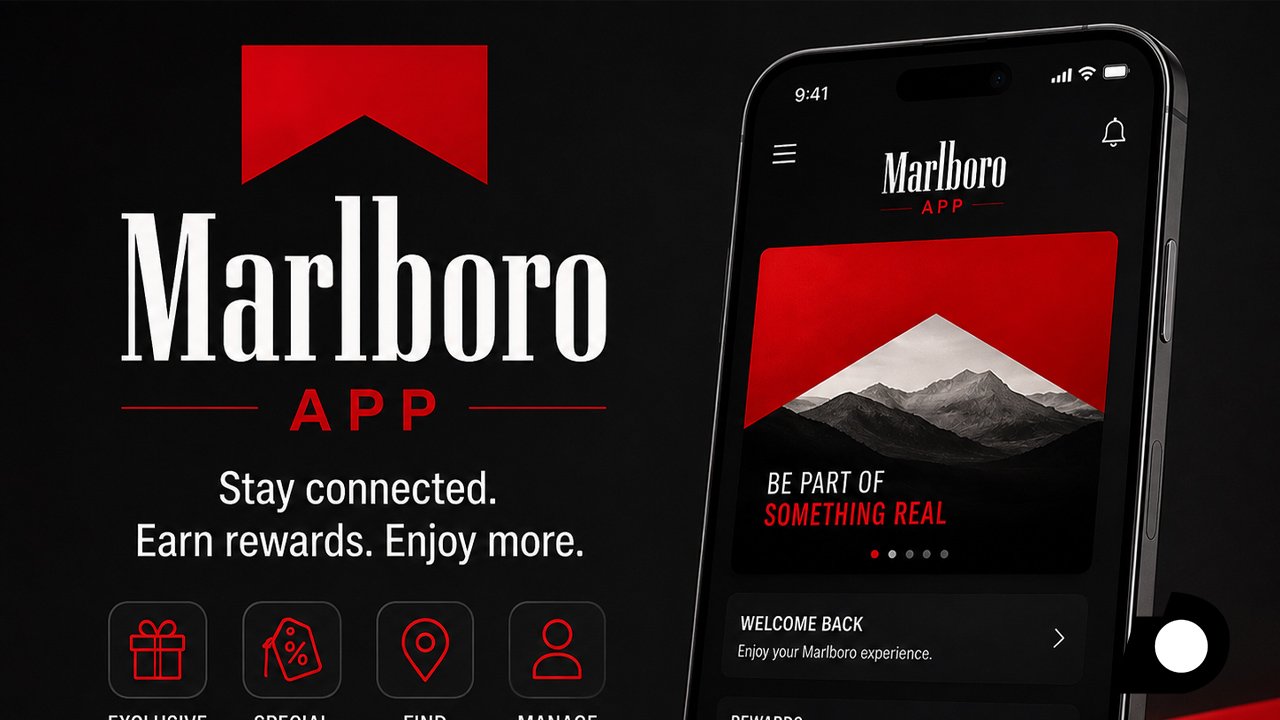
The Marlboro App is the official digital tool that adult smokers use to join the Marlboro Rewards program, track points, and redeem offers from their phone. If you have searched for this app before, you may have noticed some confusion online. That is because Marlboro changed how the app works in 2025. This guide explains what the app is today, how it works, and how you can use it safely and correctly in 2026.
What Is the Marlboro App?
The Marlboro App is not a separate game or entertainment app. It is a digital extension of the Marlboro Rewards program, run by Philip Morris USA, a company under Altria Group. The program lets adult smokers who are 21 or older collect points from qualifying purchases and turn those points into gift cards, merchandise, or special offers.
For several years, this service ran through a native app called MHQ. In June 2025, Marlboro retired the MHQ native app on both Android and iOS. Instead of a traditional download, the company now directs users to a web app. You visit Marlboro.com on your phone’s browser and save the site to your home screen, where it behaves much like a regular app.
Why the App Changed
Many users still search for “Marlboro app download” because older guides and forum posts still mention MHQ. This causes confusion, since the app no longer appears in the Google Play Store or the Apple App Store. Third-party sites sometimes offer old MHQ installation files, but these are outdated and can carry security risks.
Marlboro made this switch mainly for compliance reasons. Tobacco companies face strict rules on how they can advertise and distribute apps. A web app is easier to control, update, and restrict to verified adult users than a traditional app store listing, where age checks are harder to enforce.
How to Access the Marlboro App in 2026
Setting up the current version takes just a few steps, and it works the same way on both Android and iPhone.
First, open your phone’s browser, such as Chrome or Safari, and go to Marlboro.com. Log in with your existing Marlboro Rewards account, or create one if you are a new user. You will need to confirm you are 21 or older and provide identification details, since this step is required by law for any tobacco-related service.
Once you are logged in, look for the browser menu and select “Add to Home Screen.” This creates an icon on your phone that opens the Marlboro Rewards site directly, without needing to type the web address each time. From that point on, it functions like a normal app for checking points, viewing offers, and managing your account.
Main Features of the Marlboro Rewards Platform
The rewards platform centers on one main goal: giving verified adult smokers an easy way to track and use their loyalty points.
Users can scan codes found on Marlboro packaging to earn points automatically, rather than entering long codes by hand. The dashboard shows a running total of points, recent activity, and expiration dates, so nothing is lost through inaction. Points can then be exchanged in the rewards catalog for items such as gift cards, apparel, or entries into sweepstakes.
Beyond point tracking, the platform also sends account holders occasional coupons and promotional offers. These are only visible to logged-in, age-verified users, which keeps the offers away from anyone who has not confirmed they meet the legal age requirement.
Age Verification and Legal Requirements
Because this app is tied to tobacco products, access is far more restricted than a typical loyalty app. Marlboro requires every user to be at least 21 years old and a legal resident of the United States. During sign-up, you may need to submit identification, and the platform can ask for verification again later to confirm your account is still valid.
These checks exist because federal and state laws place tight limits on tobacco marketing, especially anything that could reach people under the legal smoking age. If you do not meet these requirements, you will not be able to create an account or use the rewards features, regardless of the device you use.
Is the Marlboro App Safe to Use?
Since the original MHQ app is no longer supported, the only safe way to access Marlboro Rewards today is directly through Marlboro.com. Downloading an APK file or an old MHQ installer from a third-party website is risky, since these files are not maintained or verified by Marlboro and may contain malware.
Always check that you are on the official Marlboro.com domain before entering any personal or payment information. If a site asks for unusual permissions or looks different from the official page, it is best to leave and go directly to the verified web address instead.
A Note on Health
This article is written to give factual, practical information about how the Marlboro Rewards platform works. It is not intended to encourage smoking or promote tobacco use. Smoking carries serious health risks, and this guide is meant only for adults who are already legal tobacco consumers and want accurate, up-to-date instructions for managing their existing rewards account.
Conclusion
The Marlboro App has moved from a downloadable program to a web-based experience accessed through Marlboro.com. For adult smokers already enrolled in Marlboro Rewards, this change means a small adjustment in setup but the same familiar features: point tracking, exclusive offers, and reward redemptions. Always use the official website to stay safe and keep your account secure.
Frequently Asked Questions
1. Can I still download the Marlboro MHQ app from the App Store or Google Play?
No. The MHQ app was decommissioned in June 2025 and is no longer listed in either app store. Marlboro Rewards now runs as a web app through Marlboro.com.
2. Do I need to be a certain age to use the Marlboro App?
Yes. You must be at least 21 years old and a legal resident of the United States to create an account or use any rewards features.
3. Is it safe to download MHQ from a third-party website?
No. Third-party MHQ installers are outdated and unverified. They can pose security risks, so it is best to use the official Marlboro.com web app instead.
4. How do I add the Marlboro web app to my phone’s home screen?
Open Marlboro.com in your browser, log in to your account, then choose “Add to Home Screen” from your browser’s menu.
5. What can I redeem with my Marlboro Rewards points?
Points can typically be redeemed for gift cards, merchandise, and entries into sweepstakes, depending on current offers in the rewards catalog.